
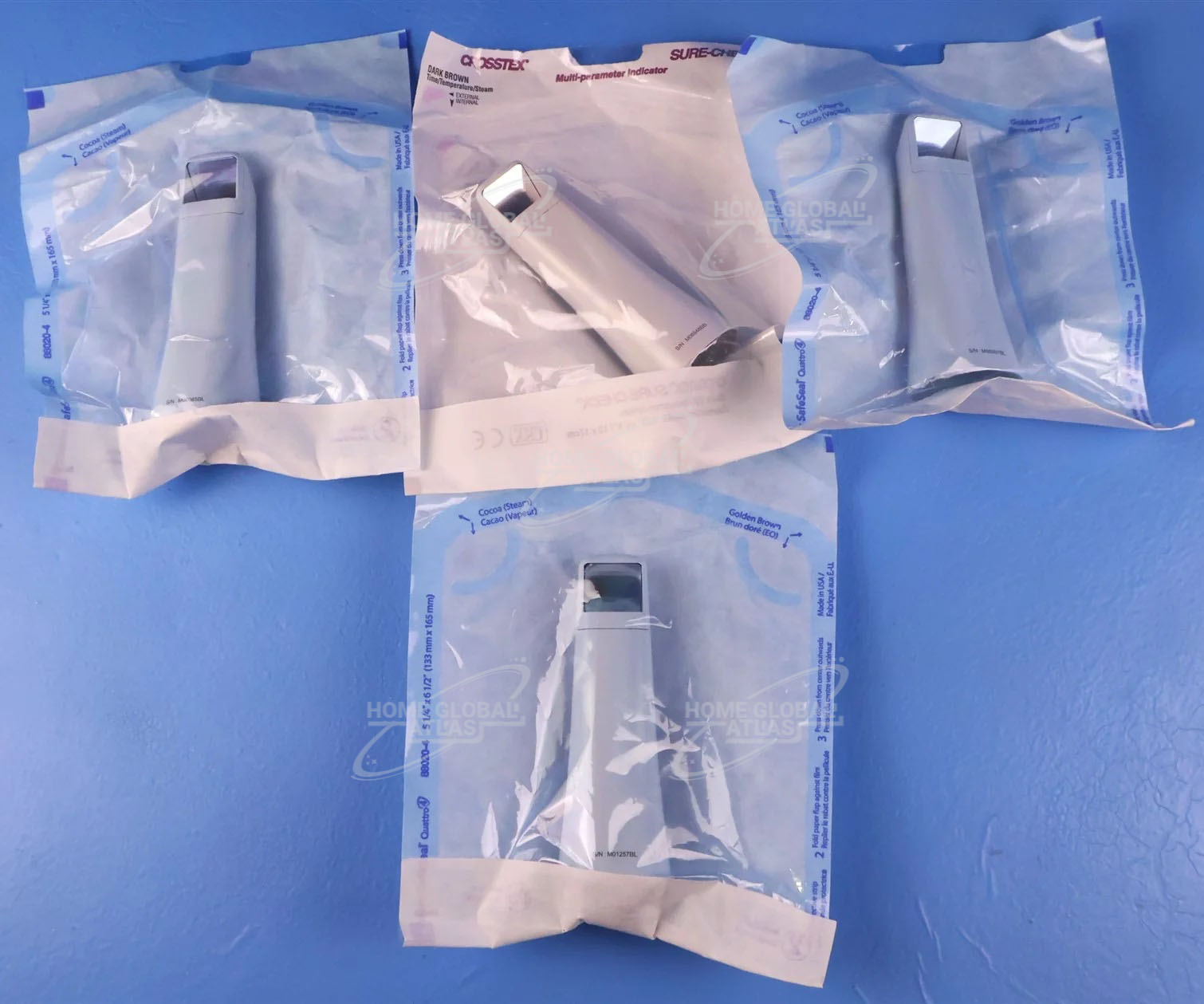
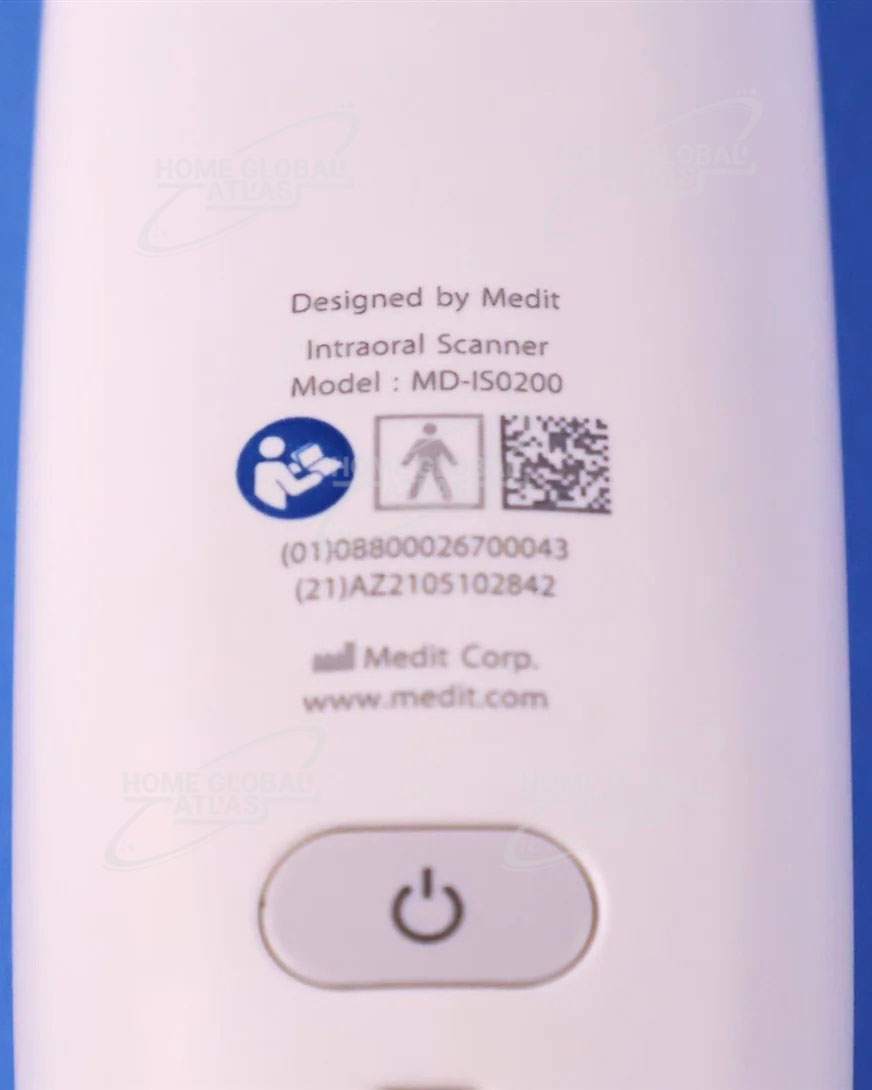
Product details
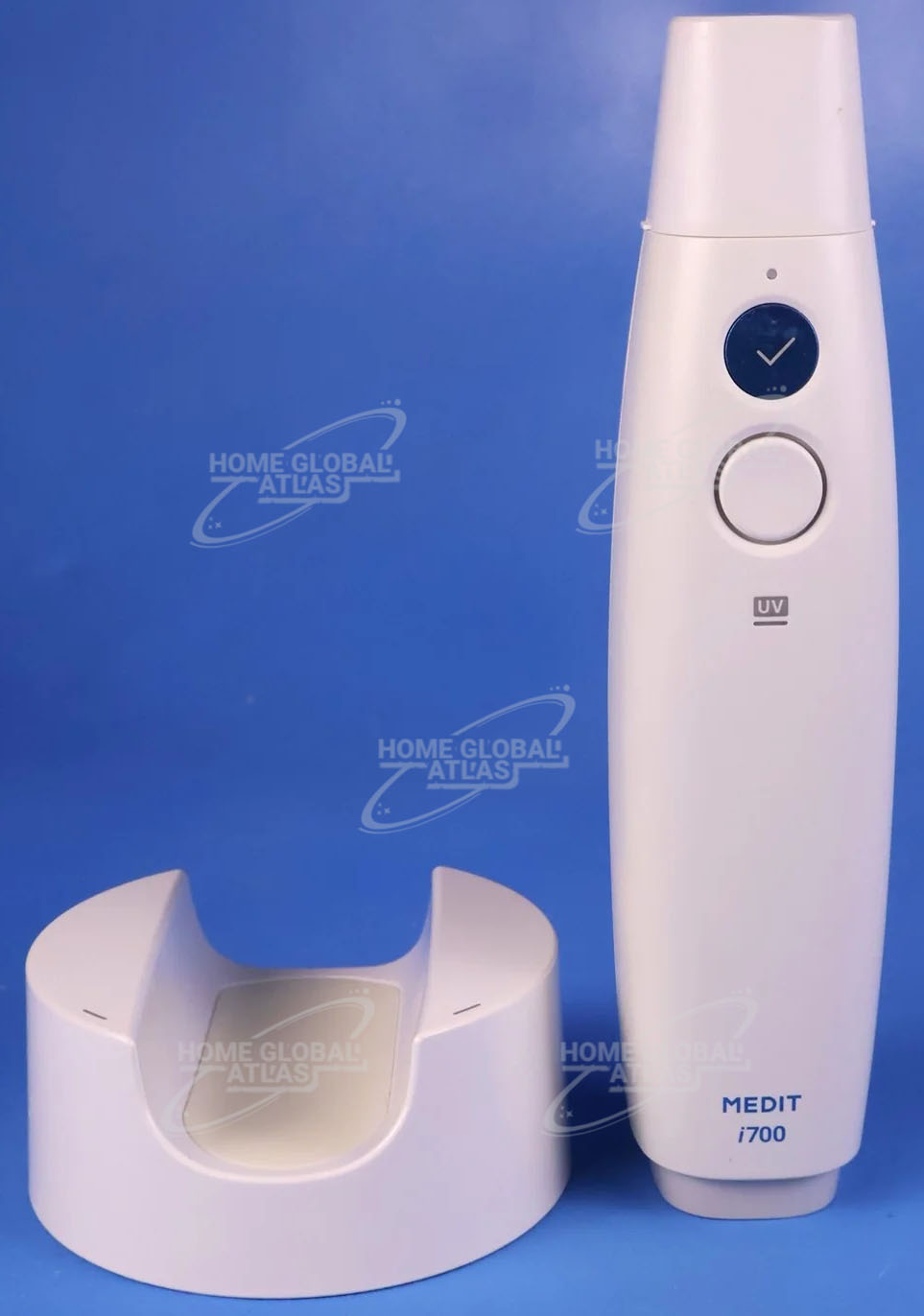
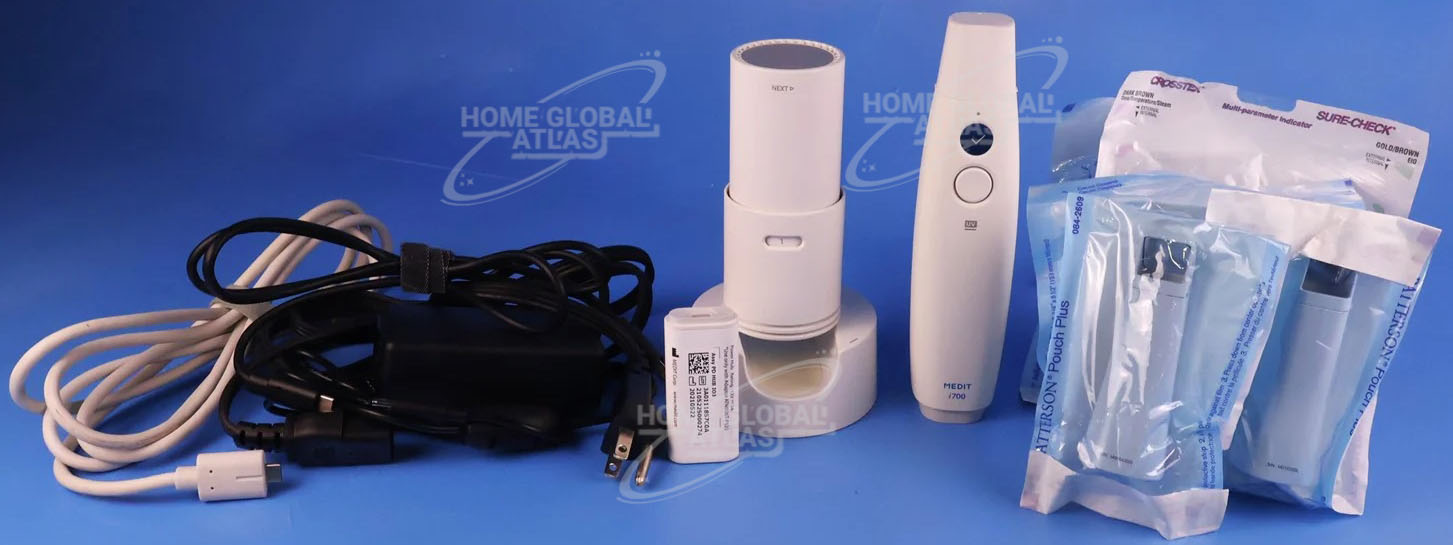
Medit i700
Medit i700 makes the scanning experience a comfortable one for both dentist and patient. With the powerful hardware and intelligent software, the Medit i700 is the key to unleash your clinic’s full potential.
Medit Link is a fully open system for you
Scan with intelligent features and apps specialized for your dental procedures. Improve consultation experience with your patient to provide better treatment options. Enhance your communication with labs through a real-time could-based system.
High ROI
An unparalleled performance combined with a competitive price delivers an exceptionally fast return on investment
Flexibility
An open system for integrated CAD/CAM workflow allows for the export of STL files for easy file transfer and thus optimized collaboration
Impressive Speed
Intelligent scan-detecting algorithm with two high-speed cameras for quick and efficient intraoral scanning
Powderless
No need for powder in most regular cases, allowing for a seamless scanning process and increased patient comfort
High Accuracy
Save money, time, and materials
Low inputs throughout the machine life cycle and no necessity for mould materials or powder in most cases are among the ways savings are achieved when using MEDIT. Furthermore, high accuracy and precision coupled with intelligent scan recognition and fast scan speed will reduce chair time significantly.
Experience convenience
Our intraoral scanner is an absolute lightweight which reduces the required effort when scanning for extended periods. The single button control allows you to start and stop the scanning process while holding the device easily. Additionally, you will be able to monitor captured 3D in-motion images on the screen next to you throughout the task. Another factor for increased convenience is the small tip for optimized patient comfort.
Medit i700 Intraoral Scanner Digital workflow
The MEDIT intraoral scanner is partnered with Medit Link, an integrated collaboration tool that allows fast and easy transfer of scanned data to dental labs, effective communication, and seamless workflows. Integrated cloud storage and open data architecture ensure optimized performance and a reduction of chances for human error while supporting your everyday CAD processes.
A.I. Abutment & A.I. Scan Body Matching
This function allows you to match scan abutments and scan bodies, thus saving time in instances of poor scanning environments. You can select the appropriate library for your tooth. When you scan the corresponding tooth, the scan abutment and scan body are automatically matched and aligned with the scan data. The aligned library data can be used for downstream work such as design. A manual alignment option is also available.
Margin Line Creation
iScan features automatic and manual margin line creation as well as edit functions. While scanning a patient, you can add or edit control points to the prepped teeth scan data in order to draw the most accurate margin line. The created margin lines will be forwarded for more accurate prosthesis design and production along with your order.
Pre-Operation Scan
You can perform a pre-operation scan of a patient’s teeth and utilize this data for a variety of uses. With this pre-operation scan data, the post-operation scan can be performed more quickly and easily. The data can also be used as reference data in the modeling process to assist you in creating a more natural prosthesis.
Impression Scan
This function supports composite scanning operations which use both embossed oral scan data and engraved impression scan data. With just a simple scan, both data can be sorted and merged in real-time and used for modeling.
High Resolution Scan
You can select specific parts of the tooth to scan at high resolution. This function allows you to scan in HD only where it is required, enabling efficient management of scan time, data capacity etc. The selected area is displayed in a different color for ease of use.
High Resolution Scan
The occlusion analysis function quickly analyzes the occlusal state of the maxilla and mandible, displaying the results in a color map with numerical values. The color map shows the degree of occlusion in different colors and displays the corresponding values when you move the cursor over each area. You can also check the distance between the prepped tooth and its antagonist.
Occlusion Analysis
The occlusion analysis function quickly analyzes the occlusal state of the maxilla and mandible, displaying the results in a color map with numerical values. The color map shows the degree of occlusion in different colors and displays the corresponding values when you move the cursor over each area. You can also check the distance between the prepped tooth and its antagonist.
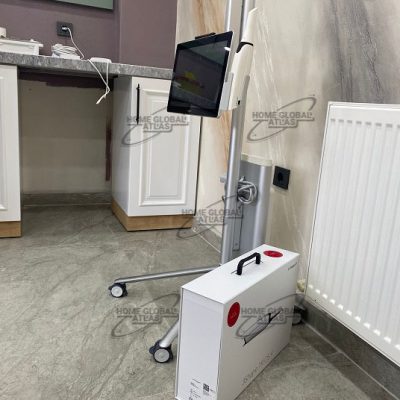
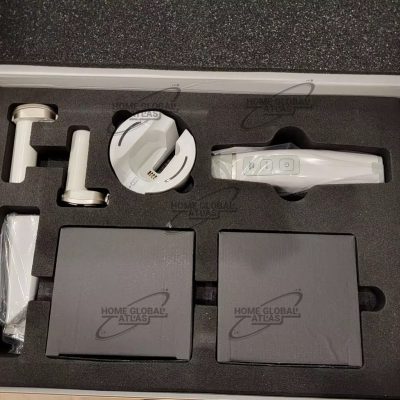
Home Global Atlas sell Medit i700 with best quality product
Scan Replay
The scan replay function allows you to replay a previous scan process. By virtually showing the scanning tip and scan area, you will be able to see how it was scanned, enabling you to identify and improve your scanning methods or habits.
Medit i700 Intraoral Scanner HD Camera
Along with the 3D Scan function, this function allows you to use the scanner as an intraoral camera to take HD pictures. You can share images with a lab and use them when consulting patients.
There are no reviews yet.